

Slack-Vercel 연동
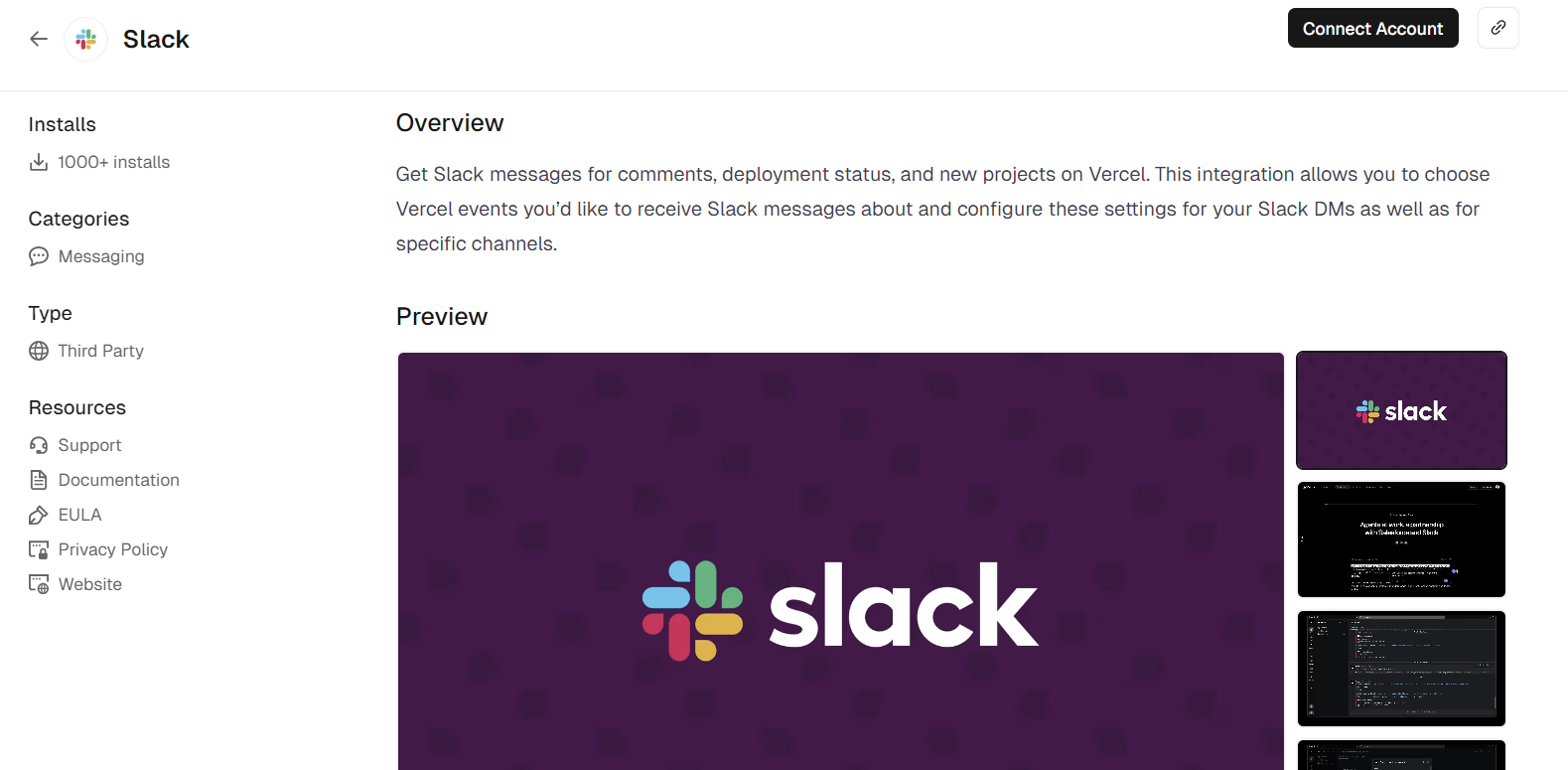
Vercel Marketplace에 Slack이 제공된다. 아래 링크에서 [Connect Account] 버튼을 클릭한다.
https://vercel.com/marketplace/slack

원하는 팀을 선택한 후 모든 프로젝트 혹은 특정 프로젝트와 연동되도록 선택한다.
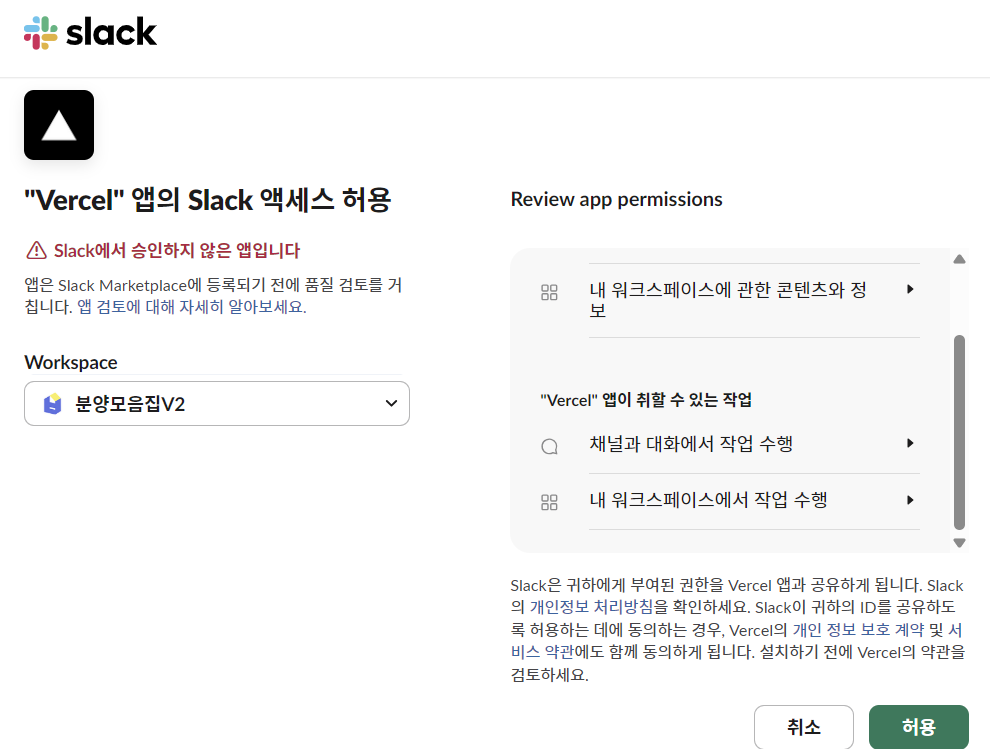
계정을 연결 후, 슬랙에서 액세스를 허용할 워크스페이스를 선택한다.

슬랙의 해당 워크스페이스에 Vercel 앱이 추가되었다면, 버튼을 클릭해서 슬랙에서도 다시 한번 Vercel와 연동을 해준다.

슬랙과 Vercel 연동이 성공적으로 완료되면 다음과 같은 메시지를 확인할 수 있다.
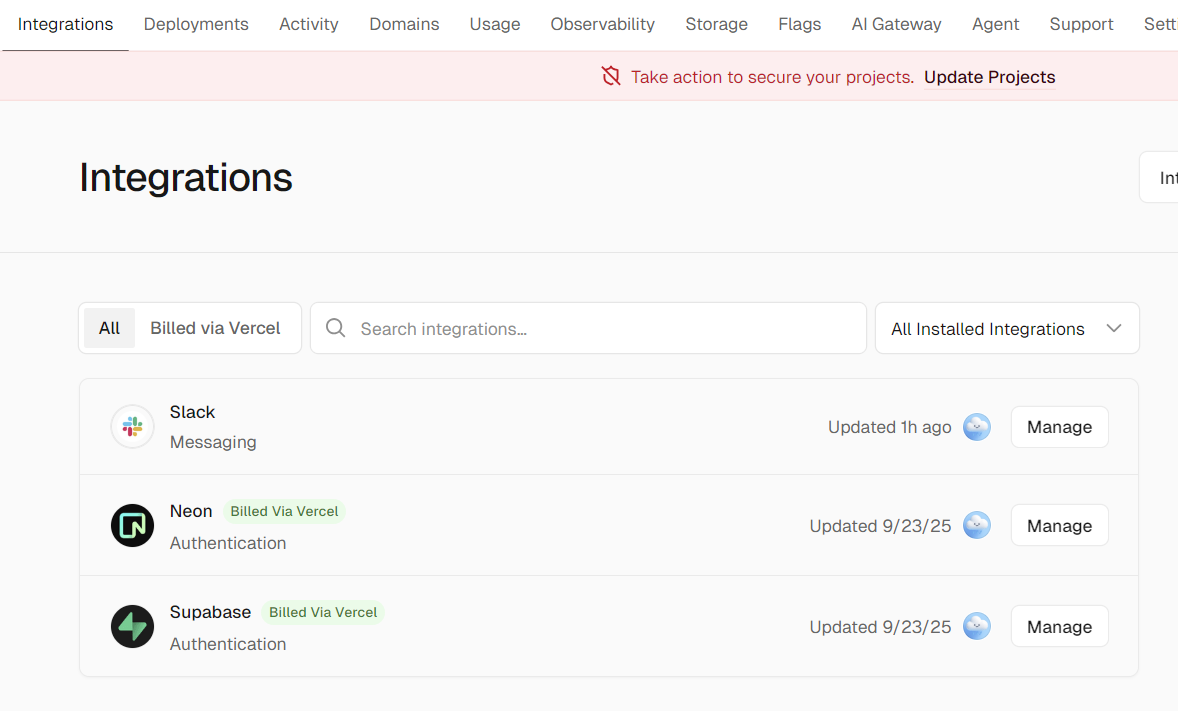
또한 Vercel > Integrations 탭에서도 Slack이 추가된 것을 확인할 수 있다.
Vercel 배포 성공 여부 알림 받기
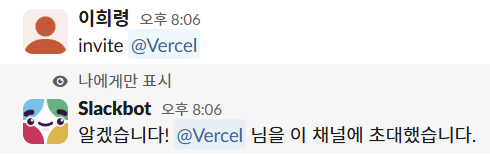
알림을 받을 채널을 하나 새로 생성하고, `/invite @vercel`을 입력해서 해당 채널에 Vercel 앱을 멤버로 추가한다.
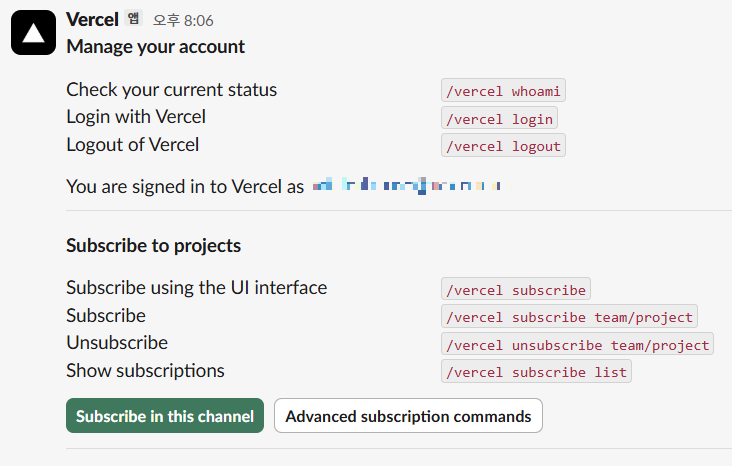
`/vercel help`를 입력하면 프로젝트를 구독할 수 있는 메시지가 뜬다.
여기서 [Subscriba in this channel] 버튼을 클릭한다.
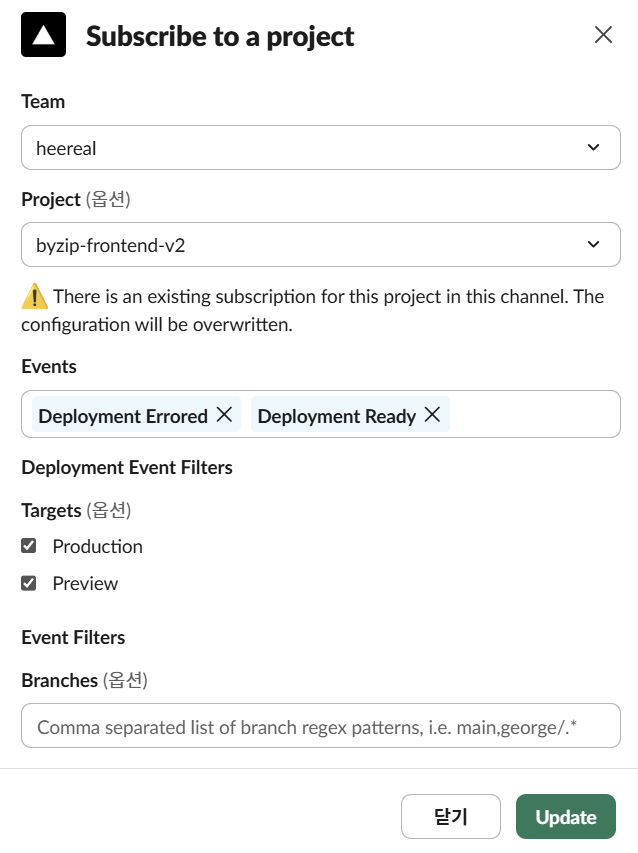
팀과 프로젝트를 선택하고, 만약 배포가 성공 또는 실패되는 경우에만 알림을 받기를 원한다면 `Deployment Ready`와 `Deployment Errored`를 이벤트로 선택한다.

구독이 완료되었는지 확인하고 싶다면 `/vercel subscribe list`를 입력하면 된다.
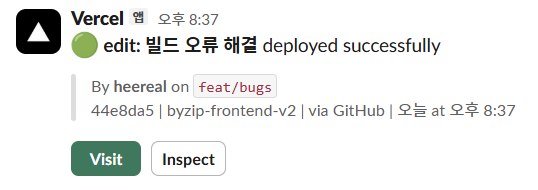
구독이 성공적으로 완료되었다면 배포에 성공했을 경우 슬랙에서 다음과 같은 알림을 받을 수 있다.
Vercel 구독 명령어
Configure subscriptions
You can customize your notifications by subscribing to events that are relevant to your Slack channel.
`/vercel subscribe team/project [events]`
`/vercel unsubscribe team/project [events]`
You can also subscribe to an entire team: `/vercel subscribe team [events]`
Default events that get subscribed to if no options are passed in:
`comments`, `deployment_ready`, `deployment_promoted`, `deployment_error`, `projects`
Available events for both team and project subscriptions:
- `comments`: Comments and replies on deployments
- `deployment_created`: A deployment was created
- `deployment_error`: A deployment failed
- `deployment_ready`: A deployment was successful
- `deployment_promoted`: A production deployment was promoted
- `deployments`: All deployment events (deployment created/errored/ready/promoted)
- `firewall_attack`: An attack was detected
- `firewall`: All Firewall events
Events only available for team subscriptions:
- `project_created`: A project was created
- `project_removed`: A project was removed
- `projects`: All project events (project created/removed)
To remove an event that is already subscribed to, you can use the `unsubscribe` command:
`/vercel unsubscribe team/project [events]`
Filters for comment events
Comment filters allow filtering comment notifications. By default, when you susbscribe, you will receive notifications for comments left on any branch and page. However, you can choose to filter on a specific branch, page and target.
To filter on a specific target (preview/production):
`/vercel subscribe team/project comments +target:preview`
To filter on specific branches:
`/vercel subscribe team/project comments +branch:my-feature +branch:my-other-feature`
To filter on specific pages you can use exact paths or glob patterns:
`/vercel subscribe team/project comments +page:/docs* +page:/help/docs`
You can also remove one or more filters by passing the same options to the unsusbscribe command:
`/vercel unsubscribe team/project comments +page:/docs* +branch:my-feature`
Alert rules
You can also subscribe to alert rules by passing the `rule` option:
`/vercel subscribe team/project [alert-events] +rule:rule-id`
To unsubscribe from an alert rule, you can use the `unsubscribe` command:
`/vercel unsubscribe team/project [alert-events] +rule:rule-id`
List active subscription
List all active subscriptions in a channel:
`/vercel subscribe list`
명령어를 통해서도 구독 세부 사항을 설정할 수 있다.